Server management
The local server list
ecFlowUI maintains a local server list. This is populated when you first start ecFlowUI by importing an existing server list from ecFlowview; from then on, the two lists are not synchronised.
Loading servers from the menu
The Servers menu provides quick access to all your favourite servers and the ones already loaded in the current tab. It also makes the complete list of servers available in a submenu.
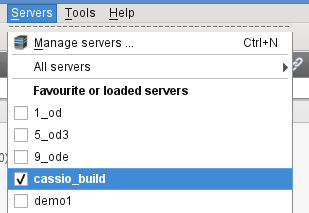
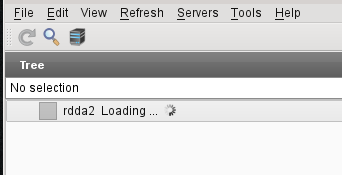
Selecting a server from the menu will add it to any tree or table views in the current tab. For large servers, a Loading indicator may appear, but the user interface is still responsive.
The Manage Servers dialogue
Servers can be fully managed (added, removed, renamed etc) by using the Manage servers dialogue. You can start it up from the toolbar icon

or from the Servers menu or using the Ctrl+N short-cut.
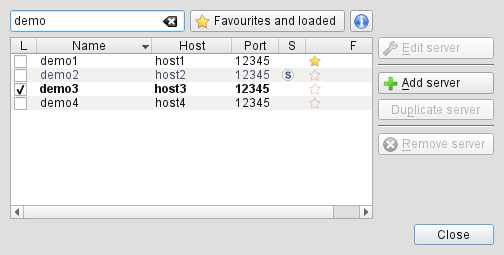
This dialogue is also where servers can be set as favourites for easy access.
Note
A server is identified by its name, host and port. A server name is just an alias that you are free to customise. The only requirement is that each server must have a unique name.
System server list
ecFlowUI can make use of a shared (potentially centrally managed) server list. The details can be found on the following pages:
for versions >= 5.9.0: System server list files in ecFlowUI
for earlier versions: System server list files in ecFlowUI (pre 5.9.0 versions)